 EasyToolHub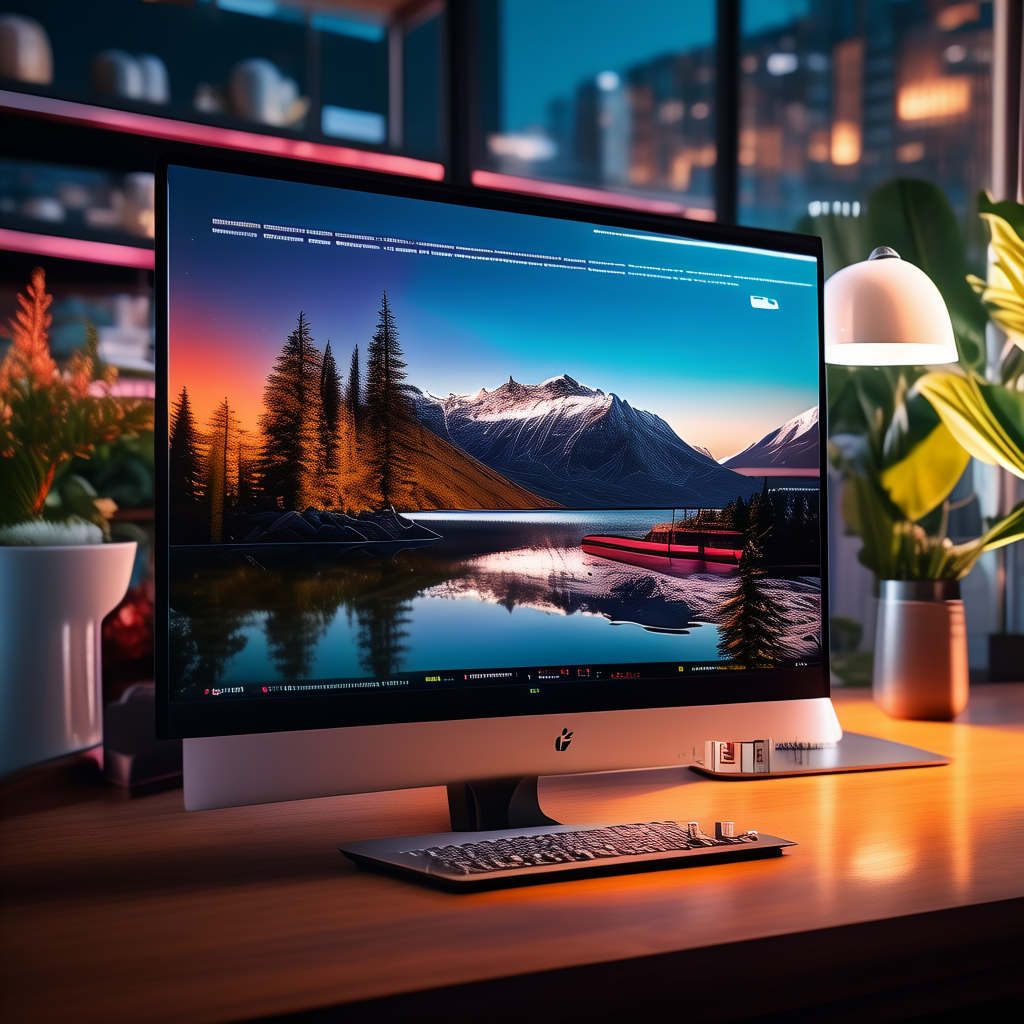
Design & Build
The CodeCanvas Pro arrives in a minimalist, matte‑silver chassis that shames most office monitors. The 32‑inch panel sits on a sturdy arm with full tilt, swivel, pivot, and 150mm height adjustment – a must for long coding sessions. Port placement is brilliant: a recessed USB4 hub on the left edge puts two Type‑C and one Type‑A port within easy reach, while the built‑in cable management channel keeps spaghetti at bay. A detachable, magnetically mounted 5MP webcam snaps onto the top bezel and supports Windows Hello out of the box.
Display Quality & Eye Comfort
The star is the 32‑inch 6016×3384 IPS Black panel backed by a 2304‑zone Mini‑LED backlight. Right away, the 218 PPI pixel density renders my IDE’s monospaced fonts as sharp as a printed book. Peak brightness of 1000 nits (sustained full‑screen 600 nits) means no squinting even in sun‑flooded rooms. Crucially, the panel’s hardware low‑blue‑light mode works without turning the entire screen orange – verified by TÜV Rheinland’s Eye Comfort 3.0 certification. An integrated ambient light sensor and a flicker‑free 120Hz refresh rate drastically reduce eye fatigue during 10‑hour debug marathons.
Connectivity & Productivity Features
This monitor doubles as a thunderbolt workstation hub. The USB4 upstream port delivers 140W power delivery, a dedicated DisplayPort 2.1 input, and an internal KVM switch that toggles between two PCs with a single keyboard shortcut. Three downstream USB‑C and two USB‑A ports let me charge a phone, connect a YubiKey, and run a second 4K monitor all through one cable. Picture‑by‑picture mode lets me keep a remote terminal on one side while coding on the other, and the on‑screen menu is snappy and mouse‑controllable.
Performance for Coding Workflows
Loading an enterprise‑scale Rust project with 120‑column splits on VSCode is a revelation. Side‑by‑side diffs, console output, and browser DevTools all fit with zero horizontal scrolling. The 120Hz refresh makes cursor movement and smooth scrolling feel instantaneous, and the mini‑LED local dimming dramatically deepens the blacks in dark‑mode themes – no more gray halos around green console text. Color accuracy (Delta E < 1 out of the box) is overkill for code but a boon for UI designers switching between Figma and their IDE.
CodeCanvas Pro vs. Dell UltraSharp U3224KB
Dell’s 6K UltraSharp offers the same resolution and a useful 4K webcam, but it’s stuck at 60Hz, its USB‑C PD tops out at 140W too, and the KVM requires manual switching. The CodeCanvas Pro’s 120Hz panel and one‑cable KVM automation are game‑changers for developers who constantly flip between a work laptop and a personal rig. The Dell is slightly cheaper, but when you factor in a separate high‑refresh secondary monitor and a docking station, the CodeCanvas Pro becomes the smarter all‑in‑one buy.
Verdict
The CodeCanvas Pro is the monitor programmers in 2026 deserve: a 6K canvas with a fluid 120Hz refresh, class‑leading eye‑care tech, and a true single‑cable desk setup. Unless your wallet flat‑out refuses the $2,499 price, this is the definitive coding monitor. It replaces a display, a dock, a KVM, and a webcam while making every line of code look gorgeous. For full‑stack developers and code‑obsessed professionals, there’s nothing else like it.