 EasyToolHub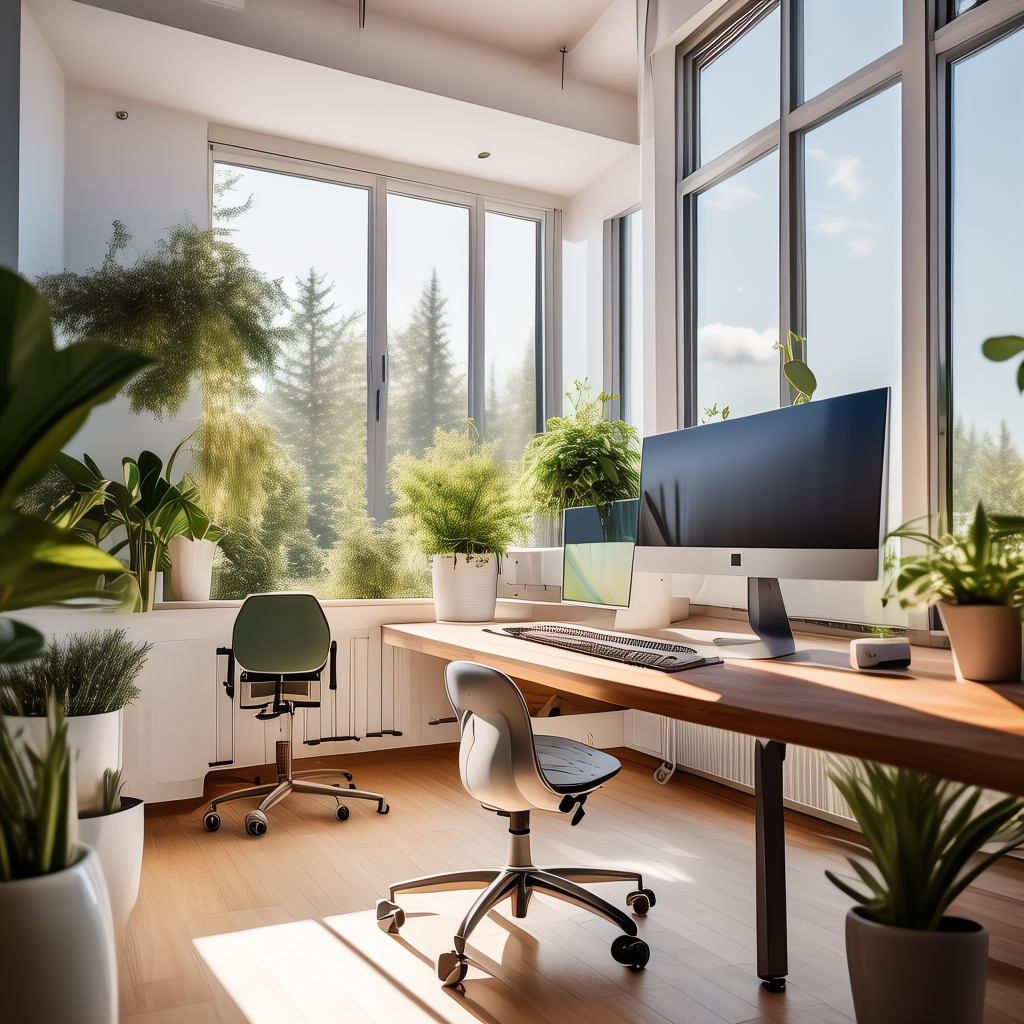
Why Your Home Office Deserves Investment
With hybrid work now the permanent reality for millions, your home office directly impacts your health, productivity, career growth, and overall happiness. Studies show a well-designed workspace can increase productivity by 20-30% and reduce physical discomfort by 60%. This guide covers everything you need.
Step 1: The Foundation — Desk and Chair
Start with a sit-stand desk. The ability to alternate between sitting and standing throughout the day reduces back pain, improves circulation, and boosts energy. We recommend a minimum surface area of 120cm × 60cm. Look for dual-motor lifts for stability and programmable height presets.
Your chair is the single most important purchase. Budget at least $400-600 for something with adjustable lumbar support, seat depth, armrests (4D ideally), and headrest. The Herman Miller Aeron Remastered and Steelcase Leap V2 remain the industry benchmarks. Budget pick: IKEA Markus at $199.
Step 2: Monitor Configuration
For productivity, dual 27-inch 4K monitors is the sweet spot. Position the top of the screen at eye level, about an arm's length away. A single 34-inch ultrawide (3440×1440) is an excellent alternative that eliminates the center bezel. Use monitor arms to free up desk space.
Step 3: Lighting Setup
Natural light is ideal — position your desk perpendicular to windows to avoid glare. Supplement with a 5000K daylight LED desk lamp with adjustable brightness and color temperature. Add bias lighting behind your monitor to reduce eye strain. Avoid harsh overhead fluorescent lighting.
Step 4: Audio and Video
A quality webcam (Logitech MX Brio 4K or Insta360 Link) and USB microphone (Shure MV7 or Elgato Wave:3) transform your video call presence. Consider acoustic panels if your room has hard surfaces that cause echo. A good pair of speakers (Audioengine A2+) rounds out the setup.
Step 5: Cable Management
Use a cable tray mounted under your desk, velcro ties, and a surge protector attached to the desk underside. A clean, cable-free workspace promotes focus and reduces visual clutter. Invest 30 minutes in proper cable management — you'll appreciate it every single day.
Step 6: Productivity Stack
Software matters as much as hardware. Notion for personal knowledge management, Todoist for task tracking, Focusmate for body-doubling accountability sessions, and RescueTime for understanding where your time goes. The right digital tools multiply your output.
Step 7: The Personal Touch
Add plants (snake plants and pothos thrive in low light), personal photos, and a small whiteboard for quick notes. Your workspace should feel inspiring and uniquely yours.
Budget Breakdown
| Item | Budget | Mid-Range | Premium |
|------|--------|-----------|---------|
| Desk | $250 | $500 | $1000+ |
| Chair | $200 | $500 | $1500+ |
| Monitor(s) | $200 | $500 | $1200+ |
| Lighting | $40 | $100 | $250 |
| Audio/Video | $100 | $300 | $800 |
| **Total** | **~$800** | **~$1900** | **~$4750** |
The Verdict
You don't need to spend a fortune. Start with the chair and desk — everything else can be upgraded over time. The best home office is one you'll actually enjoy spending time in.